
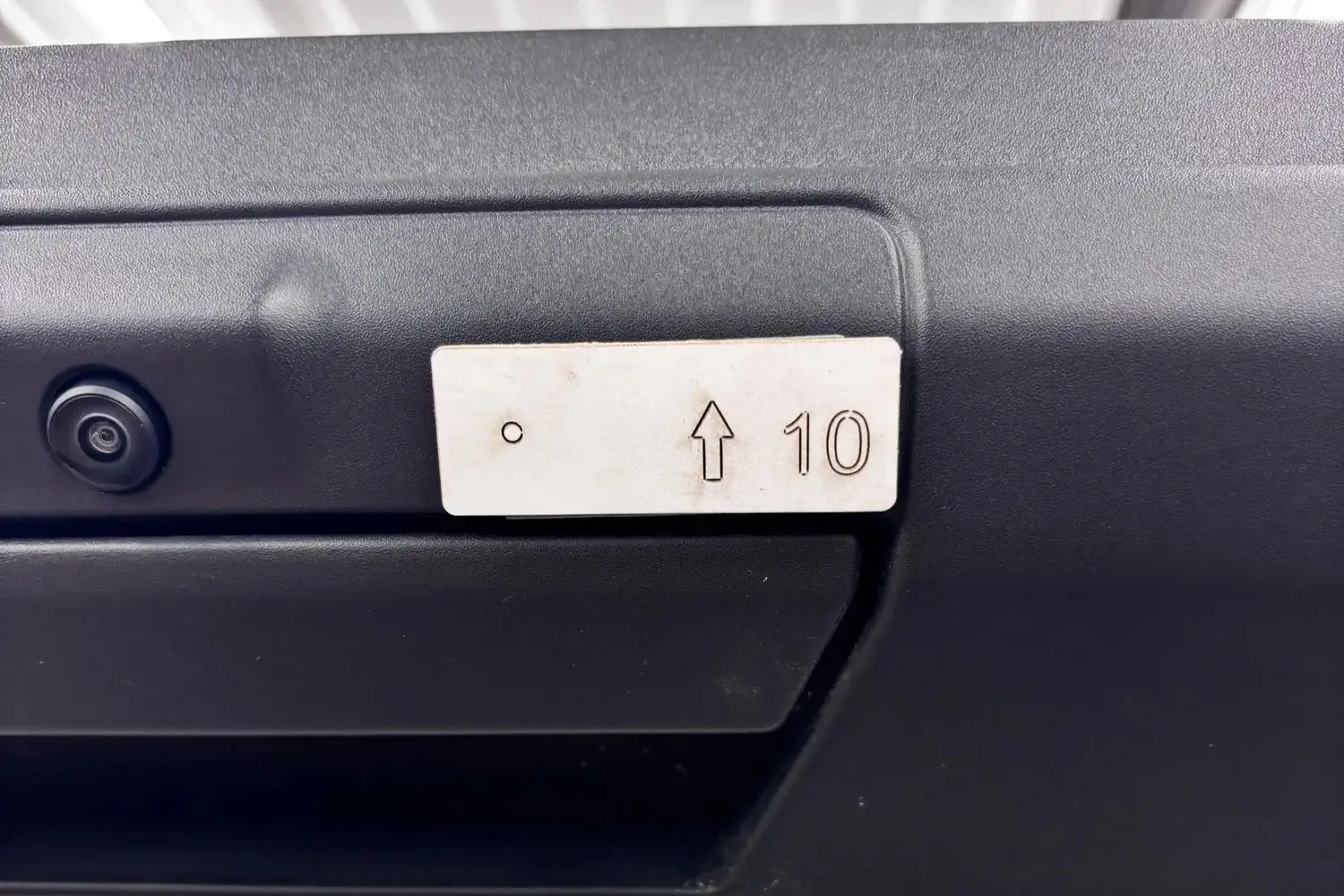
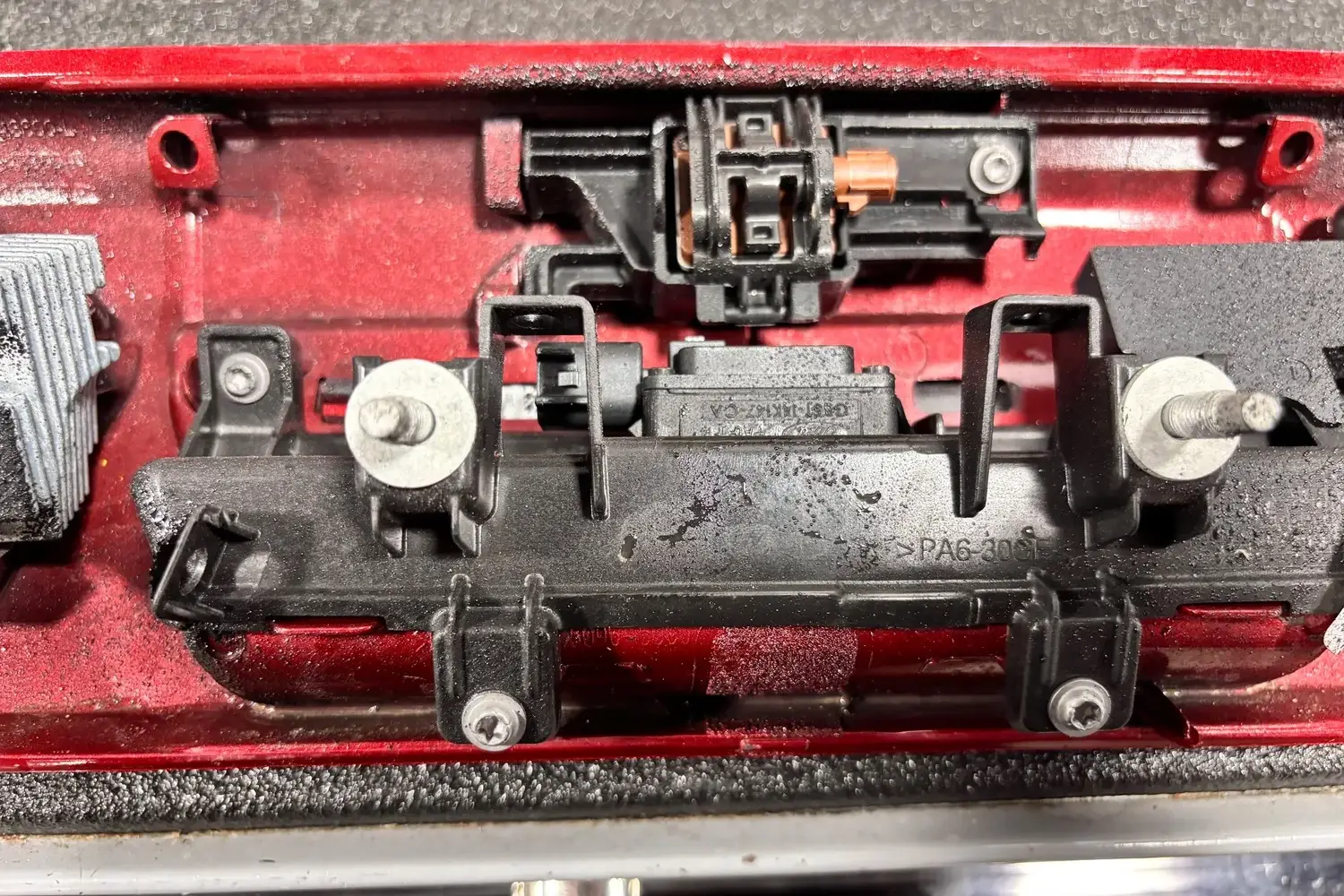
Verify your camera housing matches what is shown in the pictures*
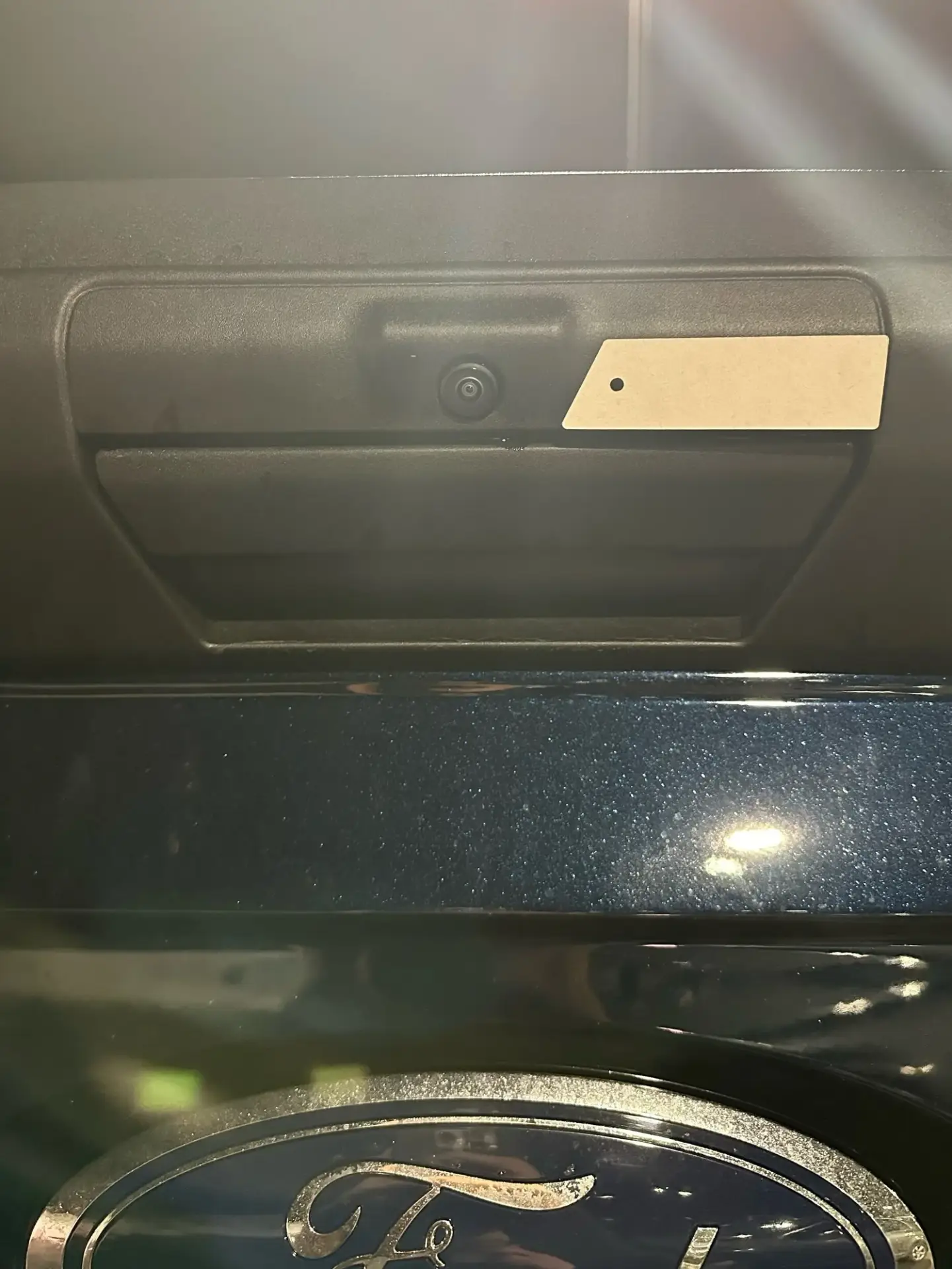
How the template lines up on the vehicle. Match the orientation shown and mark the small hole. Remove the camera housing completely before drilling.
*If any parts are lost, defective, or broken during install, please contact to have a replacement shipped to you at no cost. Contact: customer service at (716)-492-1653 or customerservice@clearvucam.com
Our team is happy to walk you through it. Call customer service at (716) 398-2246 or email customerservice@clearvucam.com.
Join our mailing list
Sign up for install tips, new kit drops and ClearVU-only deals. We'll email your code right away.
You're in
Use it at checkout for 10% off your first kit. We also emailed it to you. Check your inbox (or Promotions tab) for your code.
Find my kit